Point your agent of choice at the CLI and put them to work. Claude, Codex, Grok Bot, Hermes, etc. All are welcome.
AI agents welcome
Get full access to HEY through the command line.
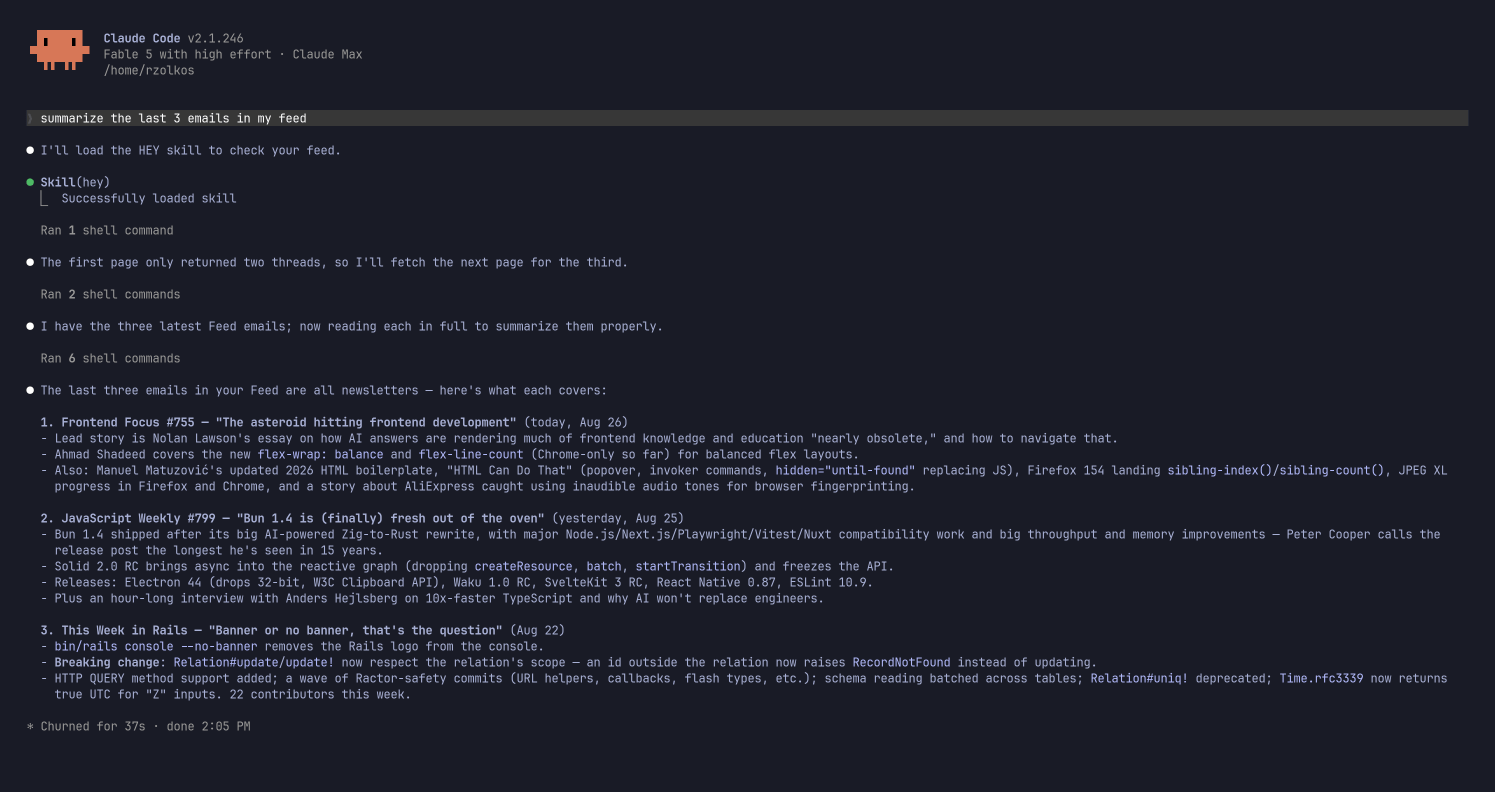
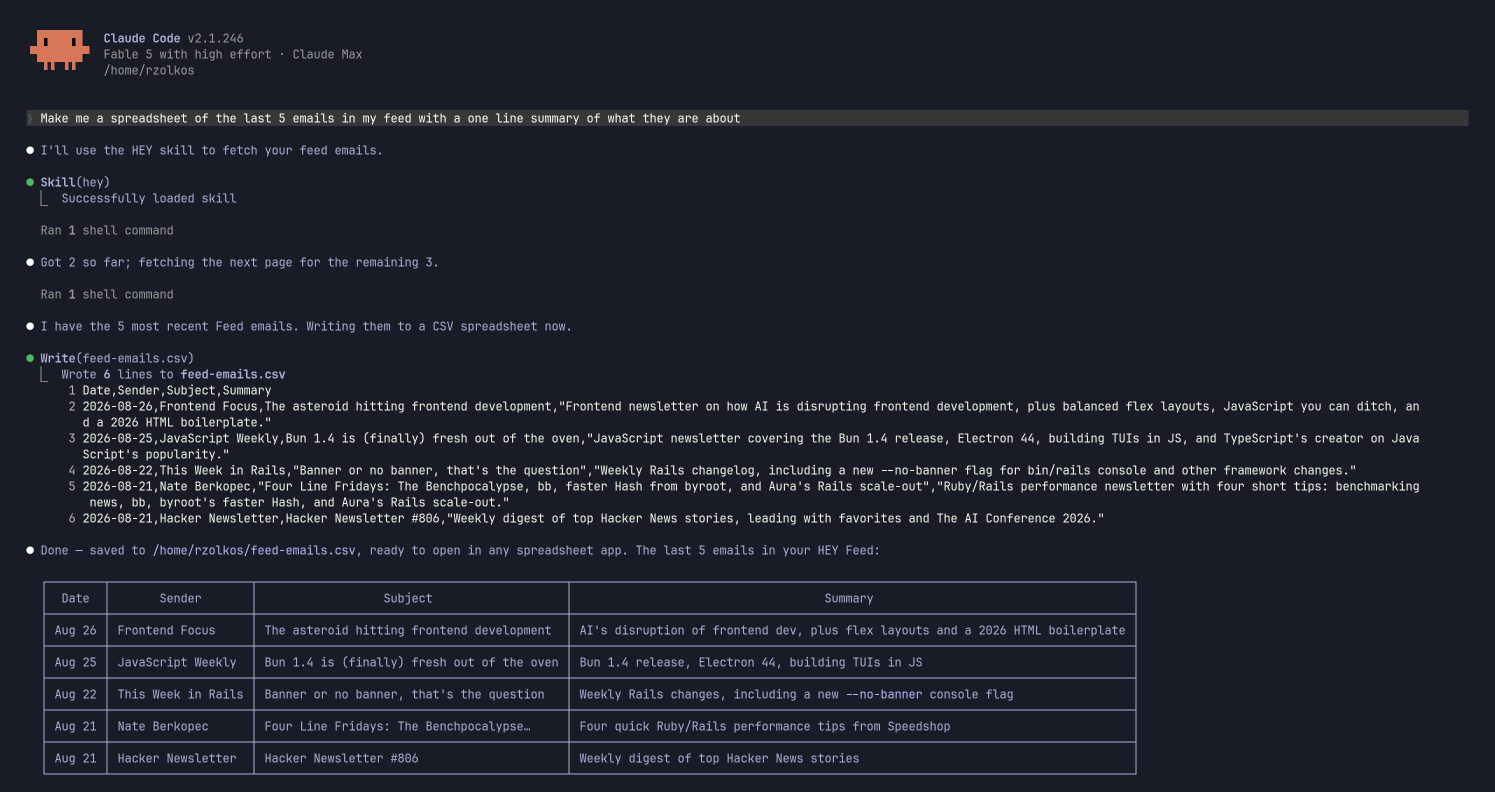
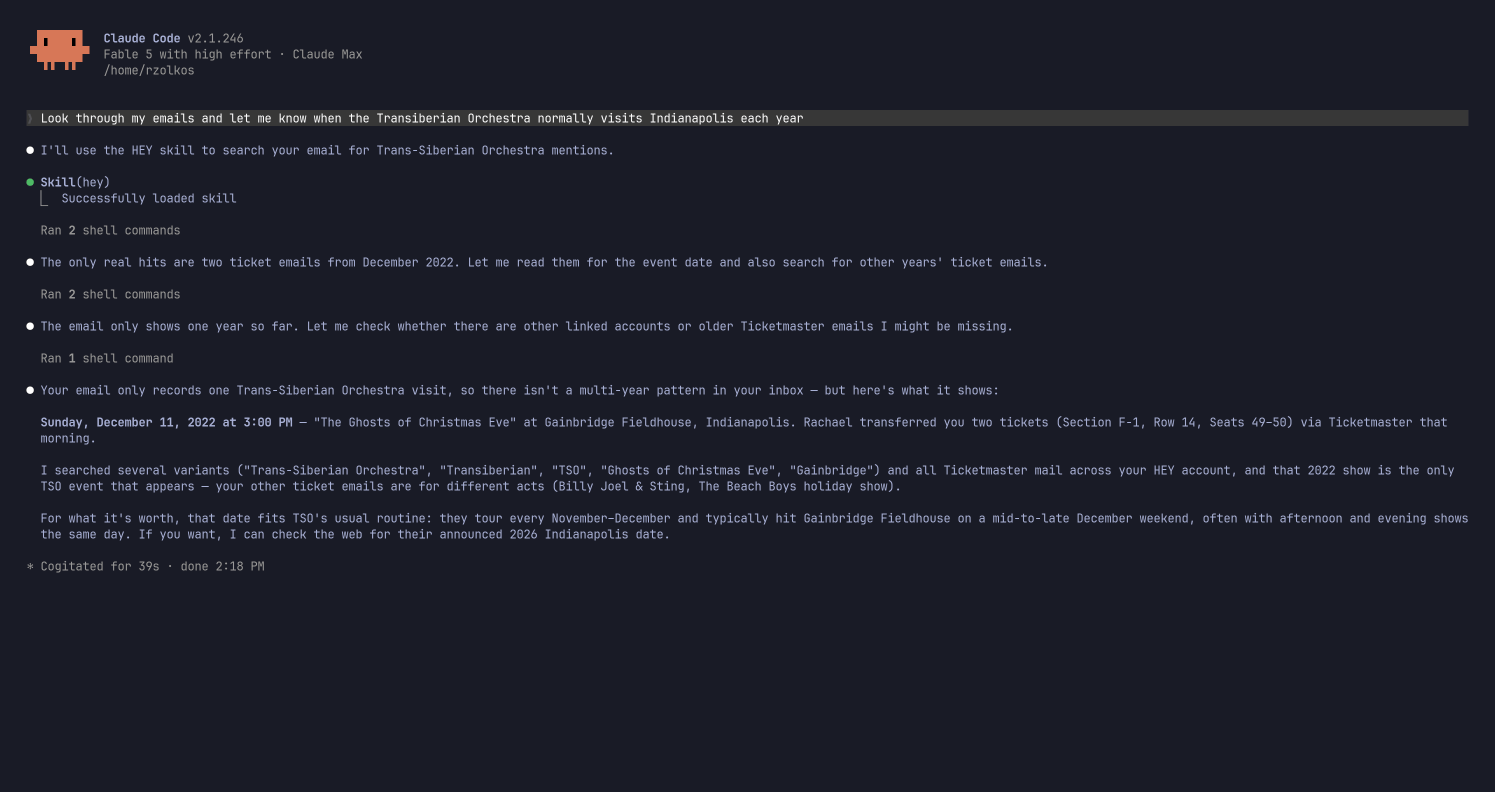
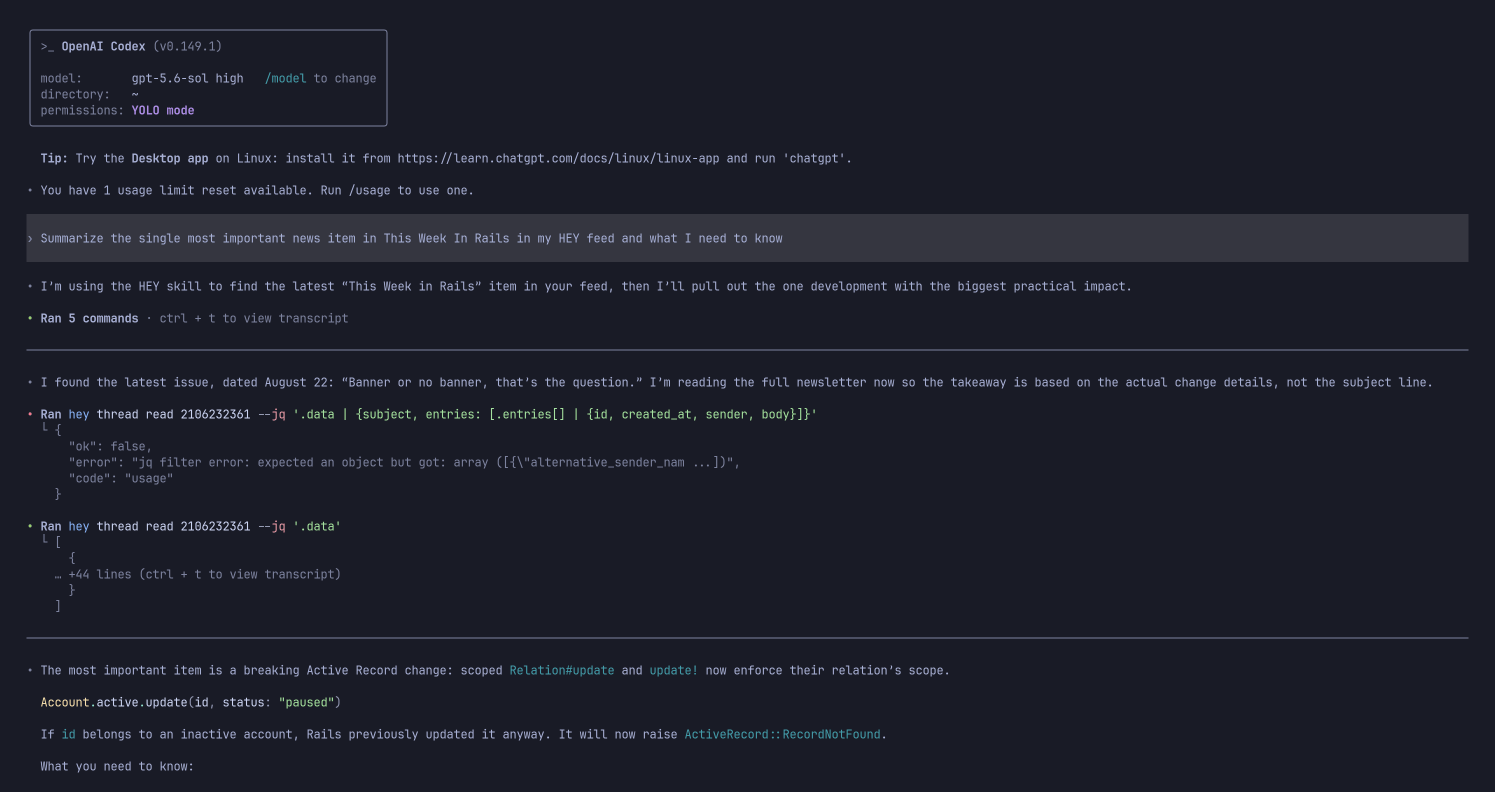
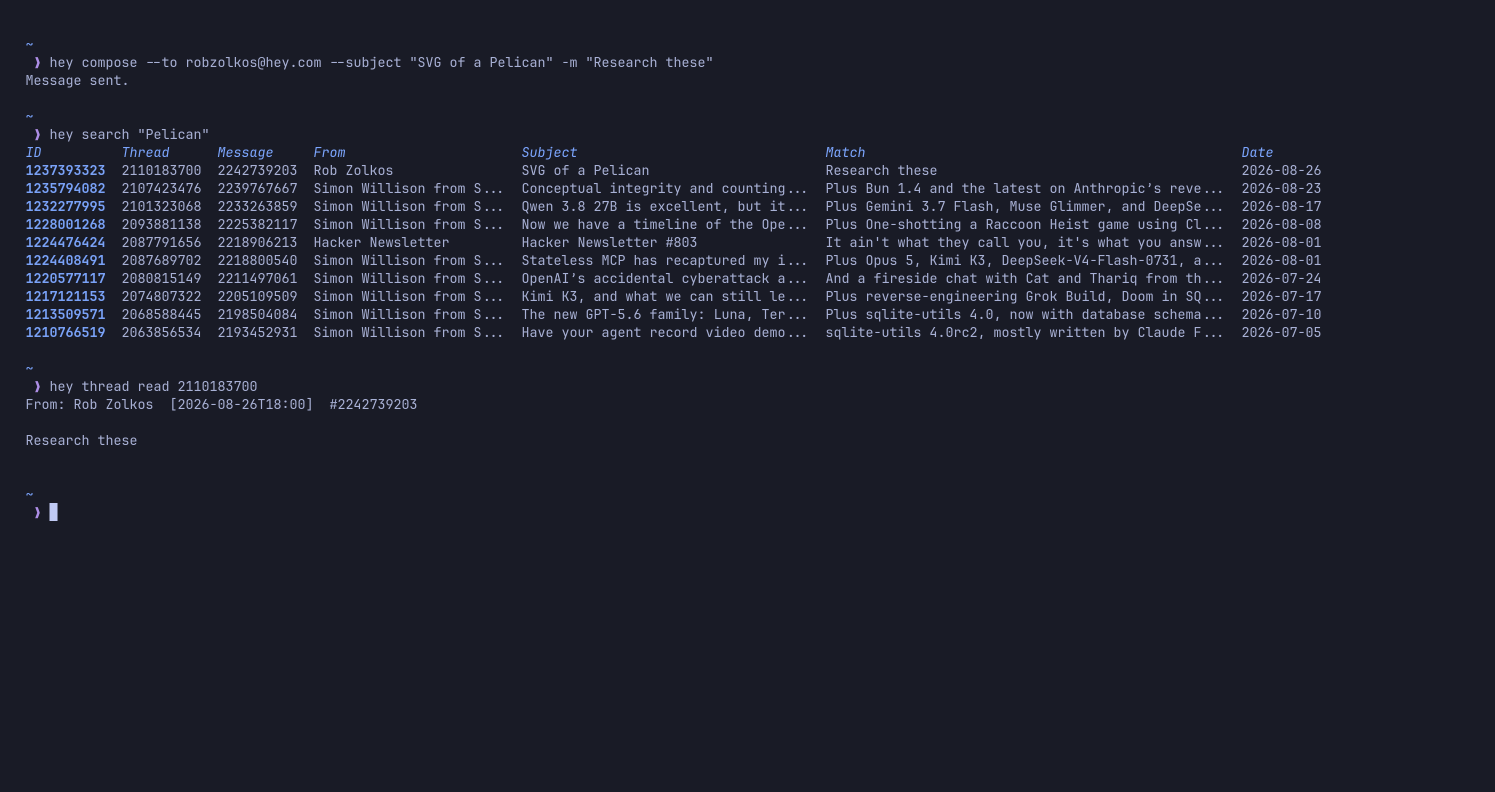
Agents can do anything in HEY
Your agents can do anything in HEY you can do. And more, actually. Review your Screener, mark stuff as spam, draft up replies, label things. Just point it at the CLI, tell it what you want, and it’ll go to work for you.
For example, you could prompt your agent with…
Let’s set up a routine to manage my screener. Screen IN anything transactional (receipts, shipping notifications, etc) or anything that is clearly personal and real, but screen OUT anything that is clearly a sales pitch or a scam or misleading or whatever. Do this once a day.or…
Go through my Reply Later pile and remove anything that’s been sitting there for more than 30 days. If I’m being honest I’ll likely never get to those, so let’s eliminate the guilt by taking them out of the pile. Don’t delete, just unmark them Reply Later.And it’ll do it! Amazing right? And here’s a fantastic guide one of our customers put together to help you get started with the CLI.
A TUI as well
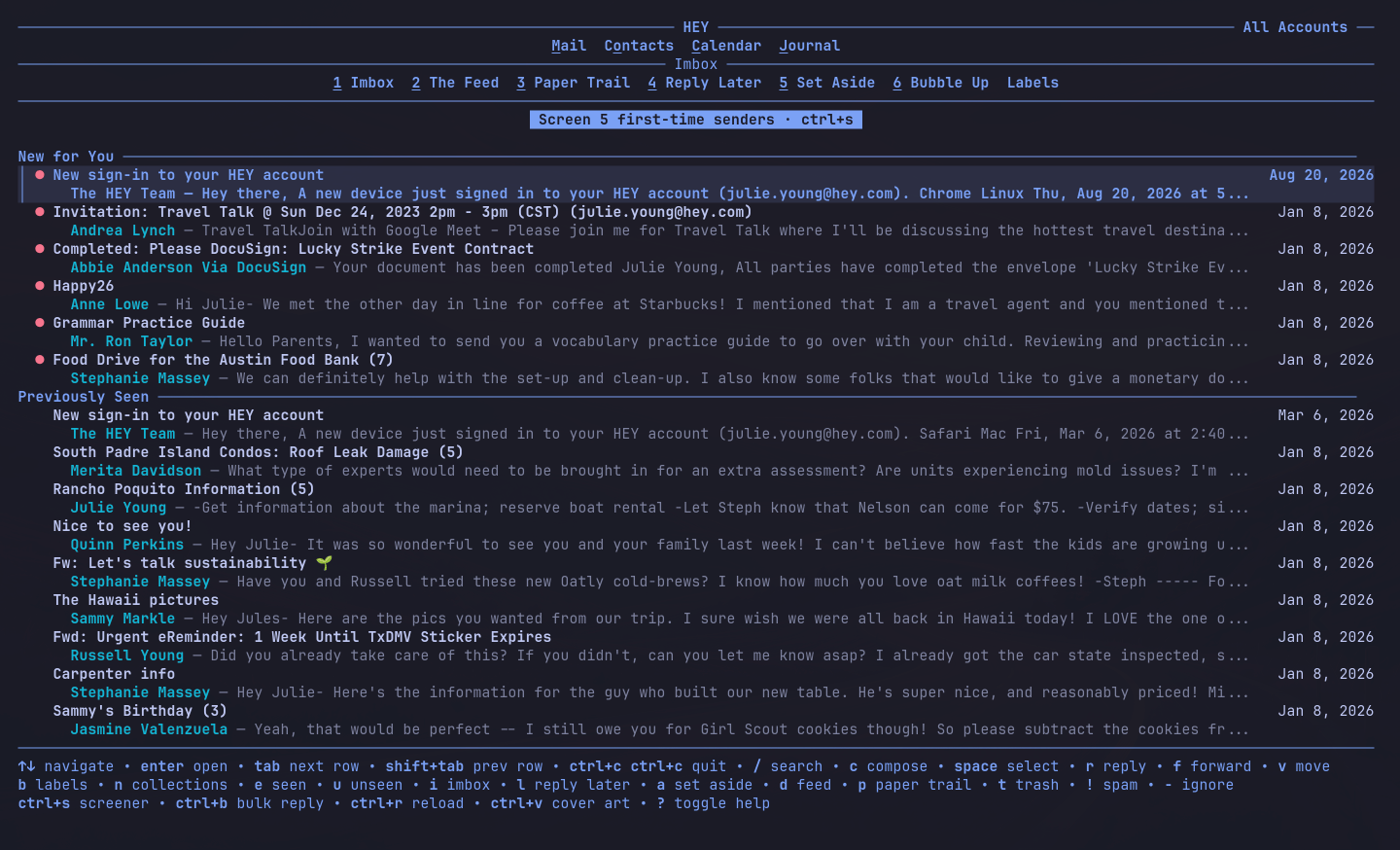
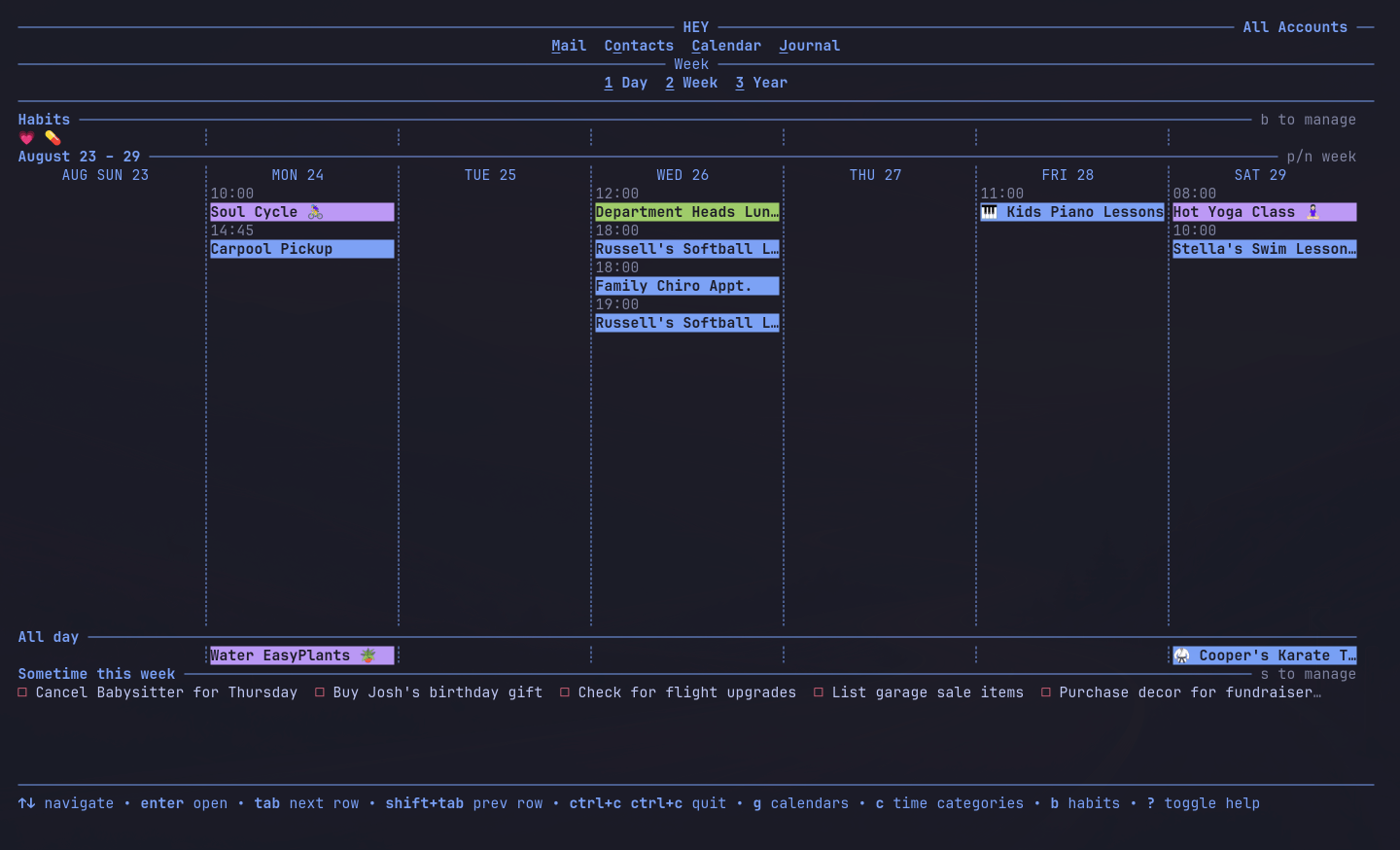
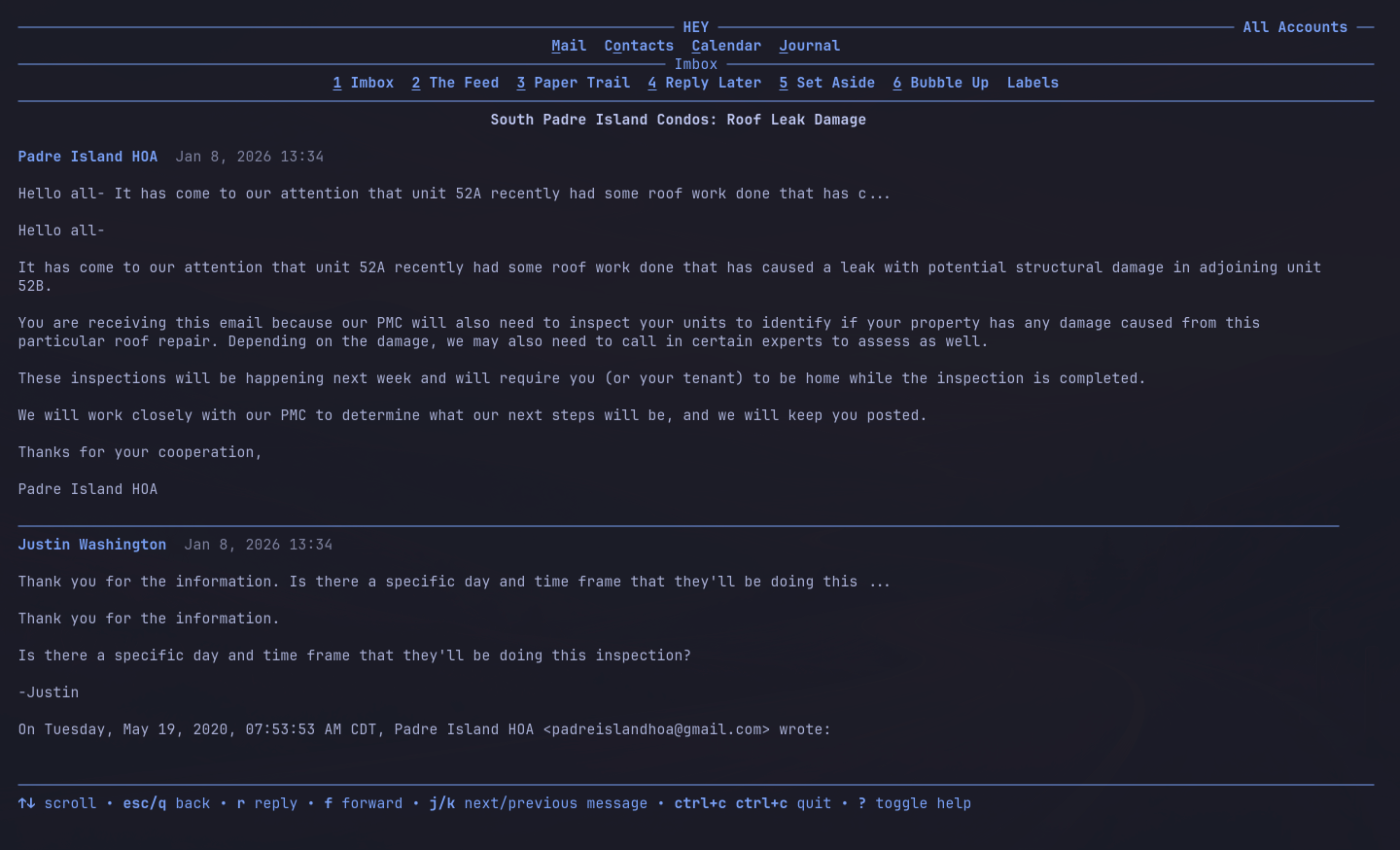
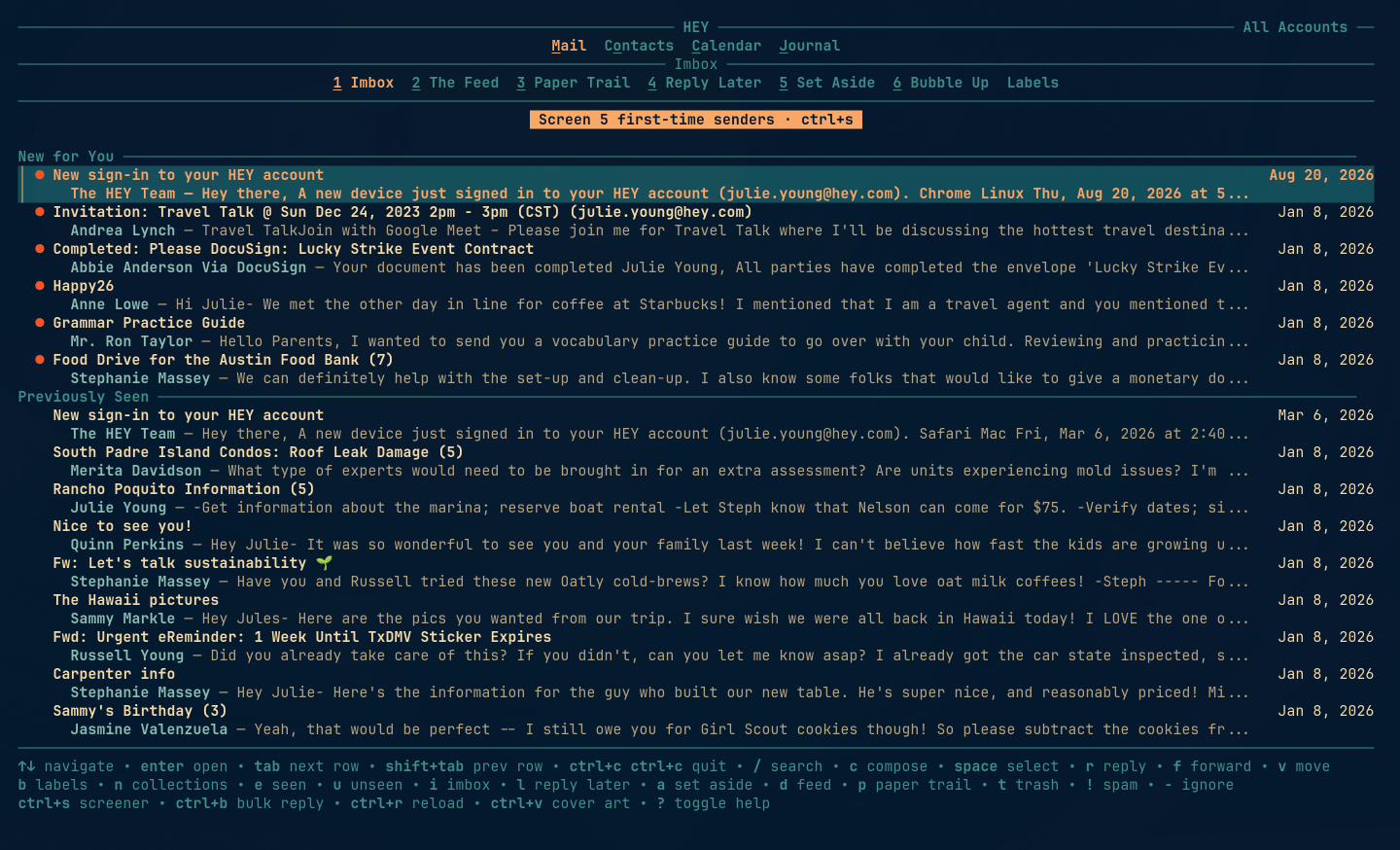
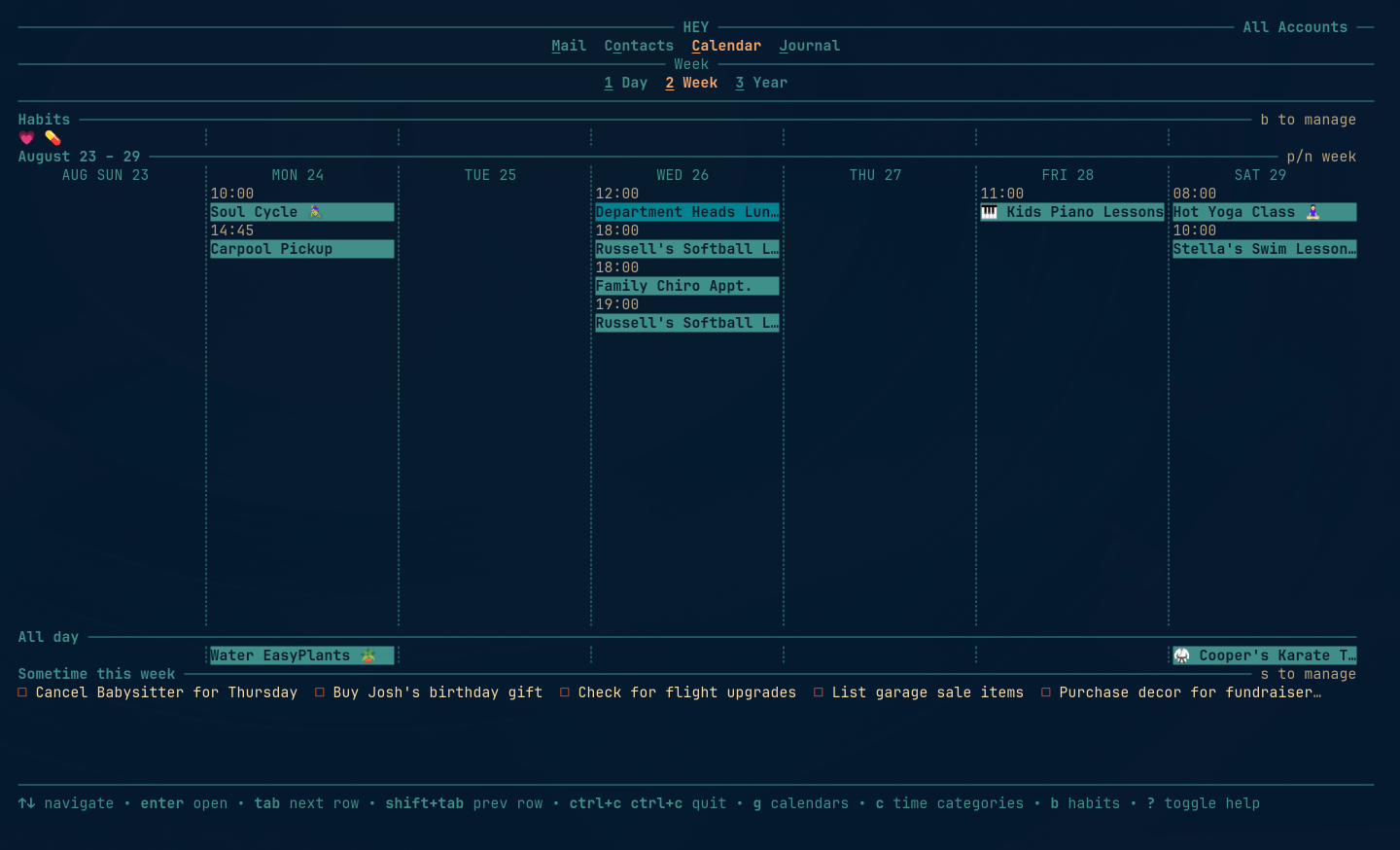
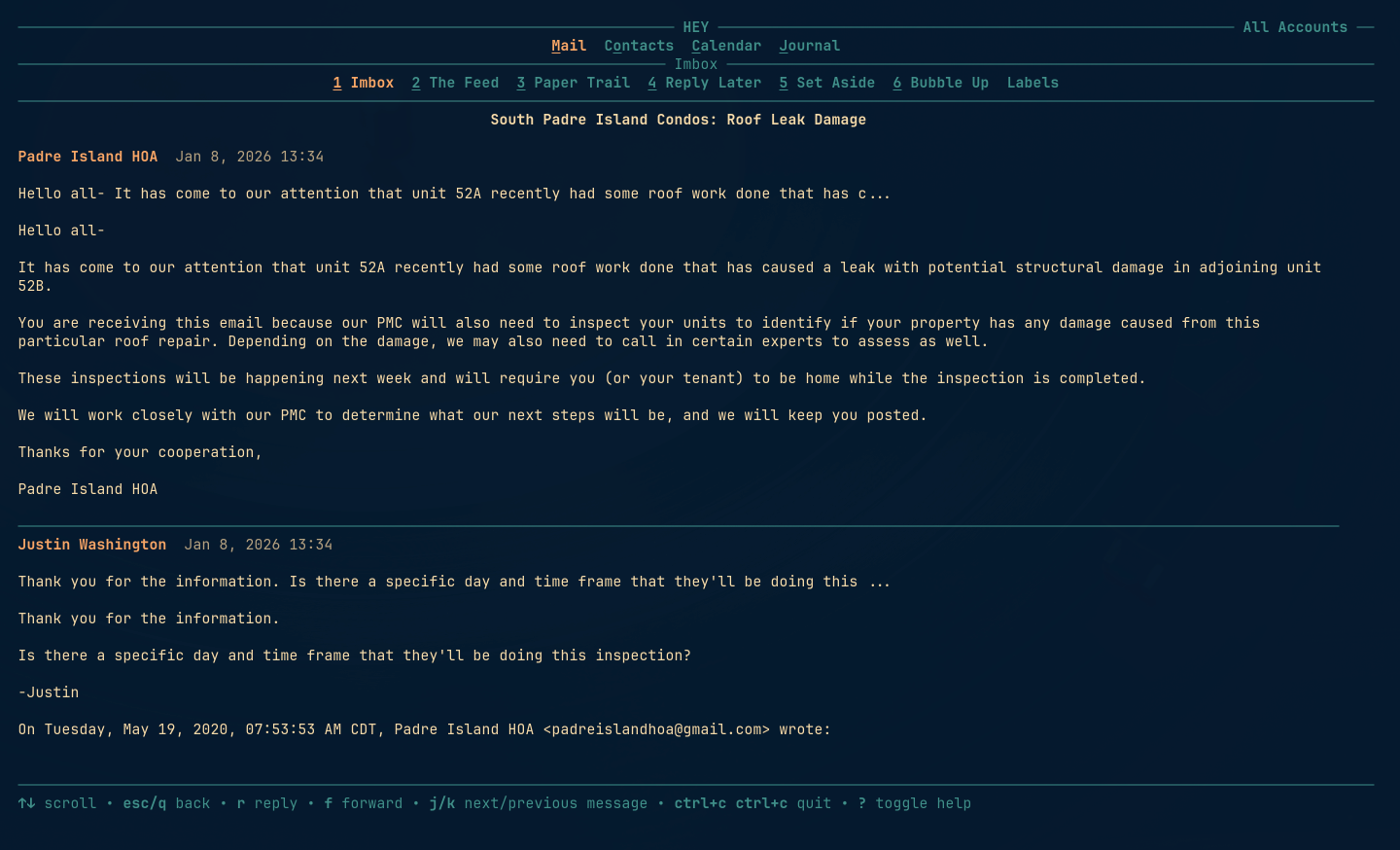
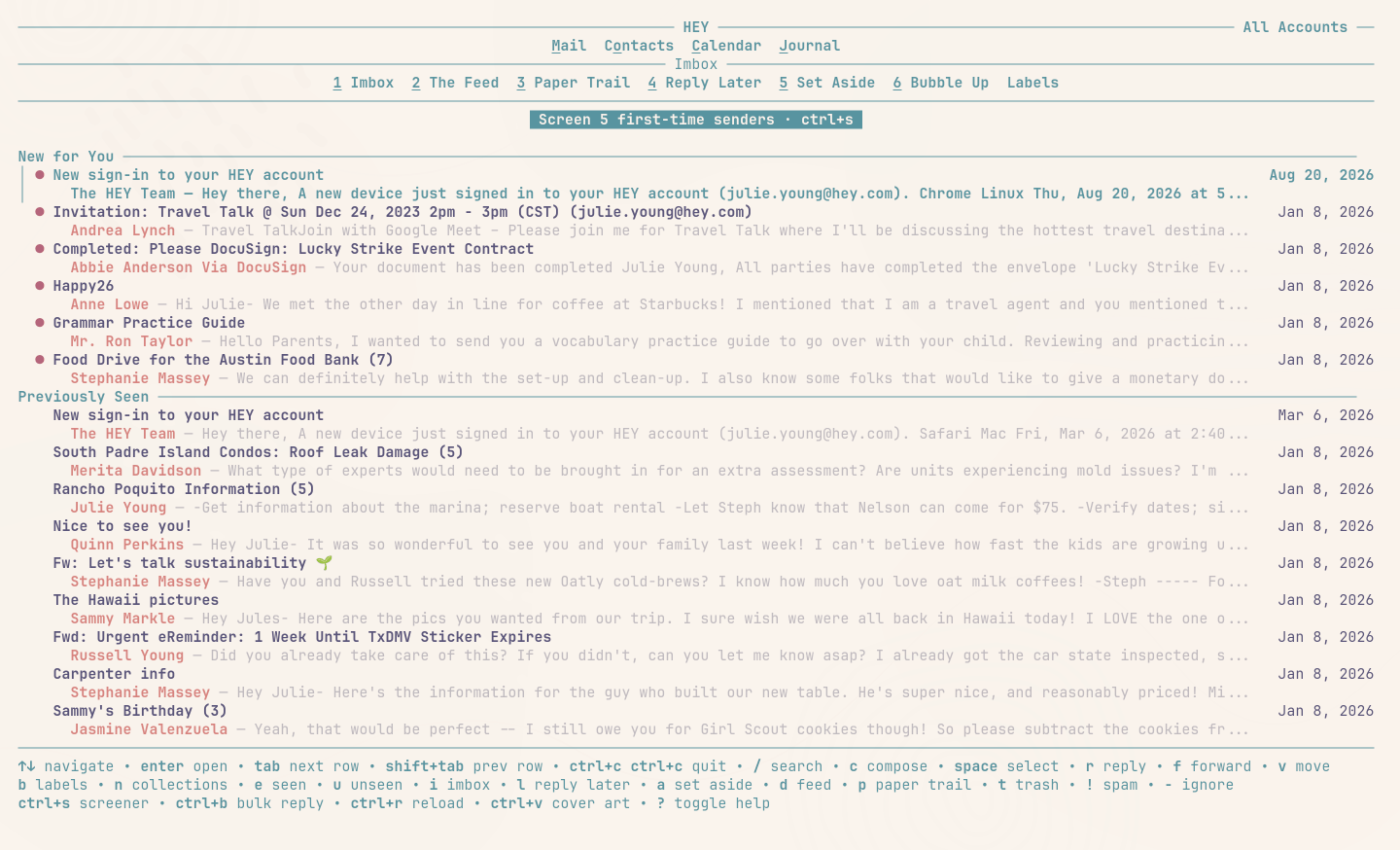
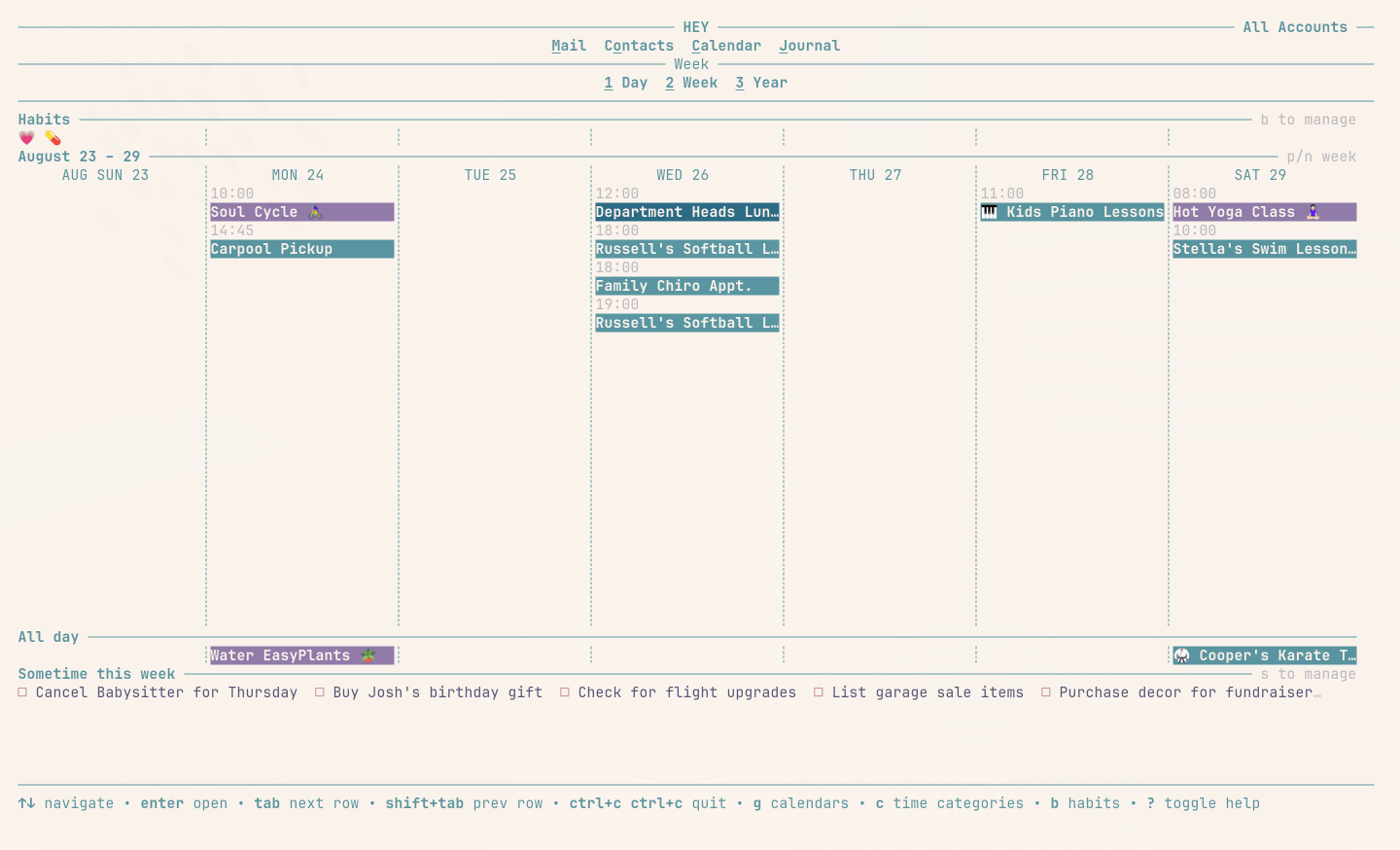
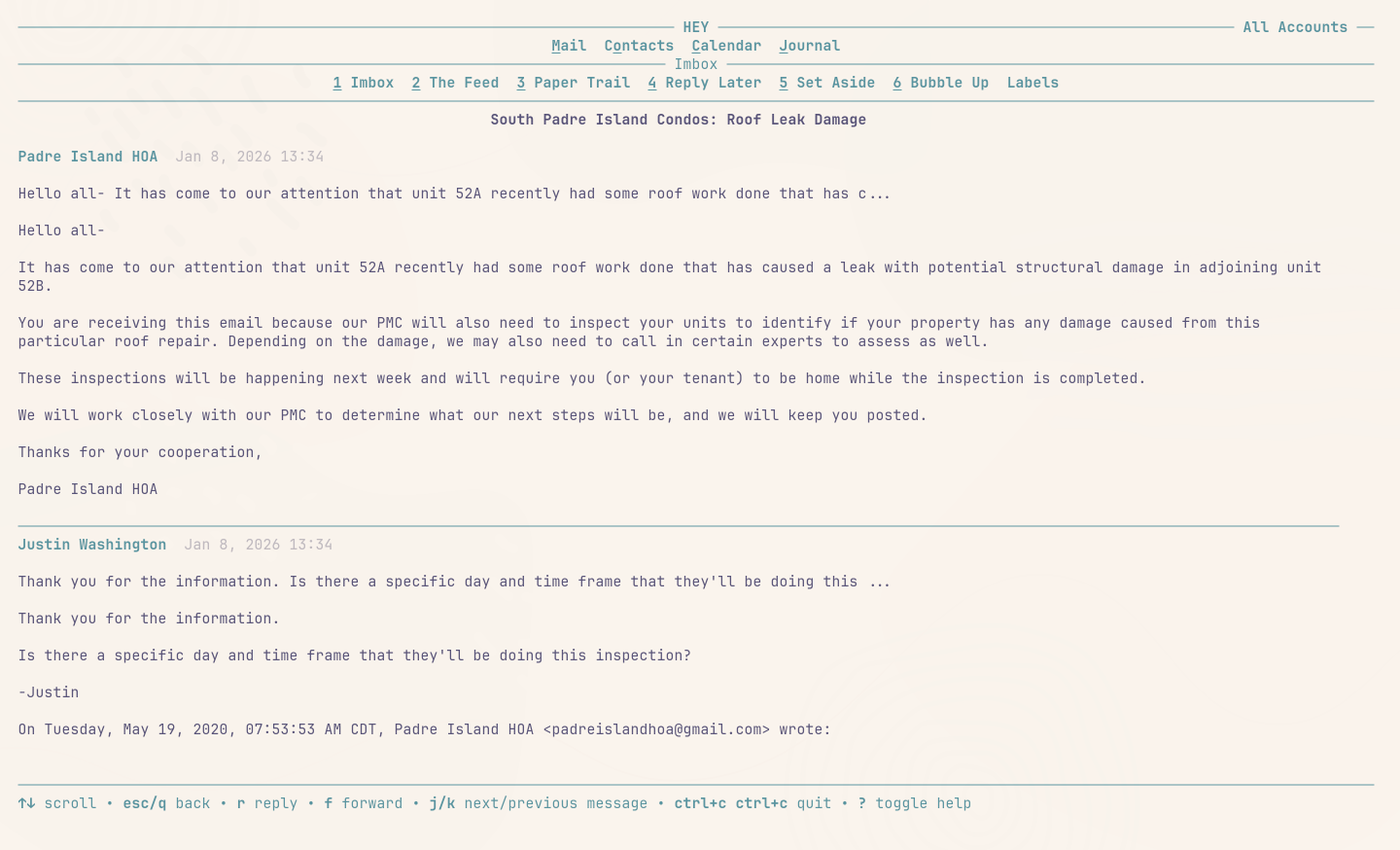
This one’s for the humans… Not only do you have full command-line access to HEY, but we’ve also built a TUI! Interact with HEY using an old-school graphical terminal interface. It’s got everything, all your email, and even the calendar too! And it’s super fast and efficient. Once the CLI is installed and authenticated, just run hey tui and you’re laughing.
Quick start v1.6.0
Just paste this into your terminal of choice and you’re off and running. And BTW, if you’re running Omarchy 4.1 or later, it’s already installed. Just run hey in the terminal.
curl -fsSL https://hey.com/install-cli | bashThe first time you run hey at a terminal it walks you through setup. It’ll require a quick authentication in your browser and then it’ll connect your agents. After that, hey tui opens the app and bare hey prints the help. hey setup reruns the wizard any time; hey login and hey logout are shortcuts for hey auth login and hey auth logout.
So go on, grab your very own @hey.com email address, or even bring your own domain, and get going on HEY today!